
Ever wanted to increase the font size of subtitles on Netflix.
Mor maybe change the font completely and add a drop shadow, so it’s more noticeable. The platform offers this feature in the web version and on any TV. Netflix announced the change, allowing all users to quickly choose between small, medium, and large subtitle font sizes.
This should make the texts easier to read, especially considering that the audio quality of the stream is often rather poor quality or out of time. Users can easily switch from the default white text to three other styles with different backgrounds to make the text stand out on the screen. You’ll even find a high-contrast option to change the font to yellow on a black background, drastically increasing the contrast for those who need it.
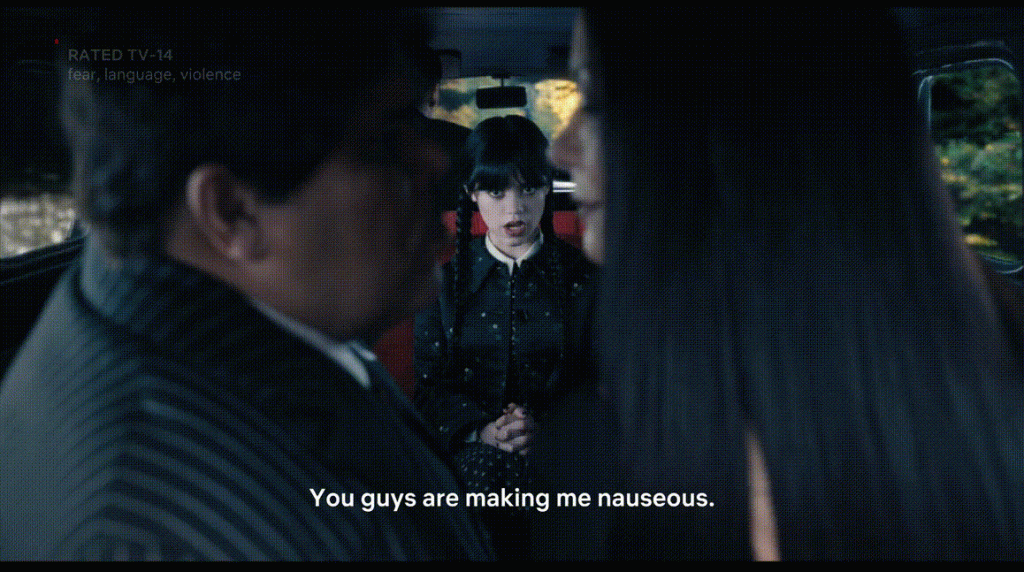
Instead of requiring logging into an account from the internet, a phone, or a computer, these options are instantly available on televisions around the world. It’s a welcome change that fits better with much of the competition in streaming services. Note that Netflix’s support page states that these changes to subtitle settings are not available for Arabic, Hebrew, Japanese, Korean, Romanian, Thai, and Traditional Chinese.
This is a great move for accessibility, especially for people who are hearing or visually impaired, in scenes with loud sound covering dialogue, etc.
0 Comments