
Through Adobe Acrobat Reader available in the Play Store we can easily and quickly sign any document we want on the go. The user should download it from the Play Store and then sign in with a free account, open the desired document and select Fill and Sign in the lower right corner.
From there you can use the stylus symbol to draw your signature or initials and save them for other documents. In fact, if you have used it on a desktop PC first, it automatically transfers your signature to Android as well.
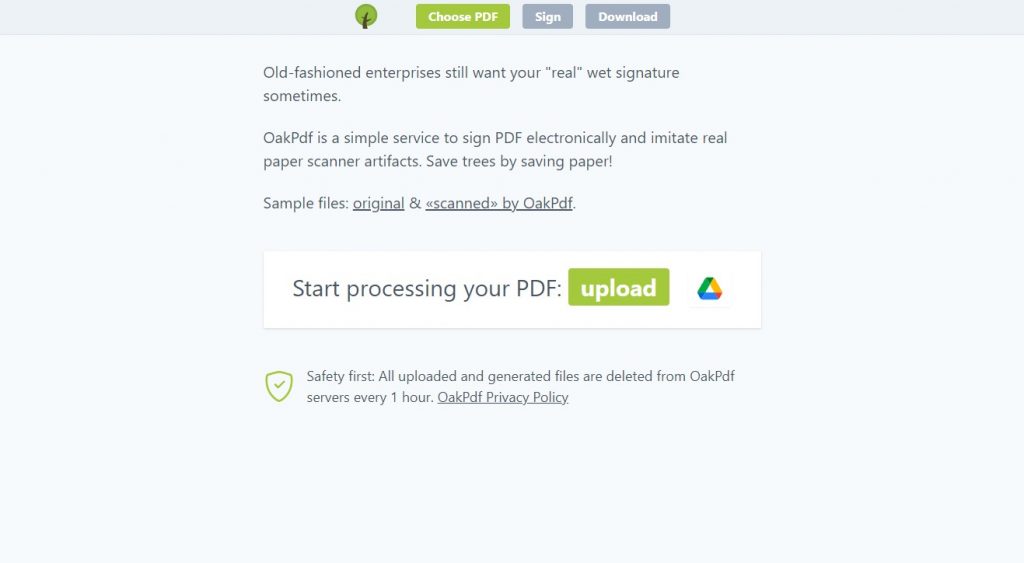
Through oakpdf.com which is a free web app, the user can sign documents from a desktop PC. You upload the document you want to sign and write your name if you haven’t already through the Add text option. Then you can easily enter your signature by selecting the via pad option. There you draw it and press Done. You can also insert the signature from a photo so that your signature looks completely handwritten.
0 Comments