
Exploring beyond the realm of traditional laptops and desktops, enthusiast users can embark on an unconventional yet exciting journey by incorporating a physical keyboard into their tablets. The latest version 13.6+ of Gboard introduces exciting features for Android tablet users, allowing them to enjoy an enhanced experience.
The new feature, though rolling out and not yet universally available on all Android tablets, brings up a Gboard toolbar when a physical keyboard is connected to the device. Whether the connection is made wirelessly via Bluetooth, or wired via a USB cable, the toolbar makes its presence felt.
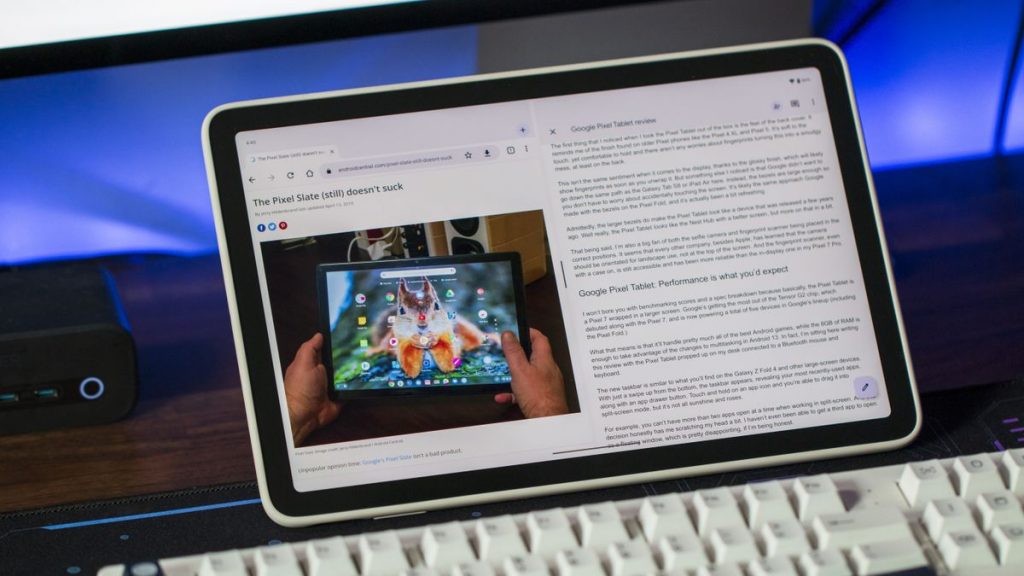
This floating toolbar can be repositioned anywhere on the screen, with its default position being the bottom of the screen to avoid interfering with ongoing typing activities. The toolbar features a suggestion bar reminiscent of the virtual Gboard, giving users quick access to word suggestions without the need to use the full keyboard, which traditionally eats up valuable screen space.
Additionally, users can further customize the toolbar through Gboard’s “Physical Keyboard” settings. This includes the ability to turn the toolbar on or off, as well as preferences for emojis, typing suggestions, auto-capitalization, and auto-correction. The toolbar also features a button to shrink its size to a vertical pill-shaped panel on the left or right edge, as well as easy access to the emoji picker in a compact phone-sized interface.
0 Comments